
In brief
- A Telegram bot is suitable for short sequential actions, notifications, approvals, and work from a smartphone.
- A web dashboard is stronger when an employee needs to see a large amount of data at once, compare items, complete complex forms, or perform bulk operations.
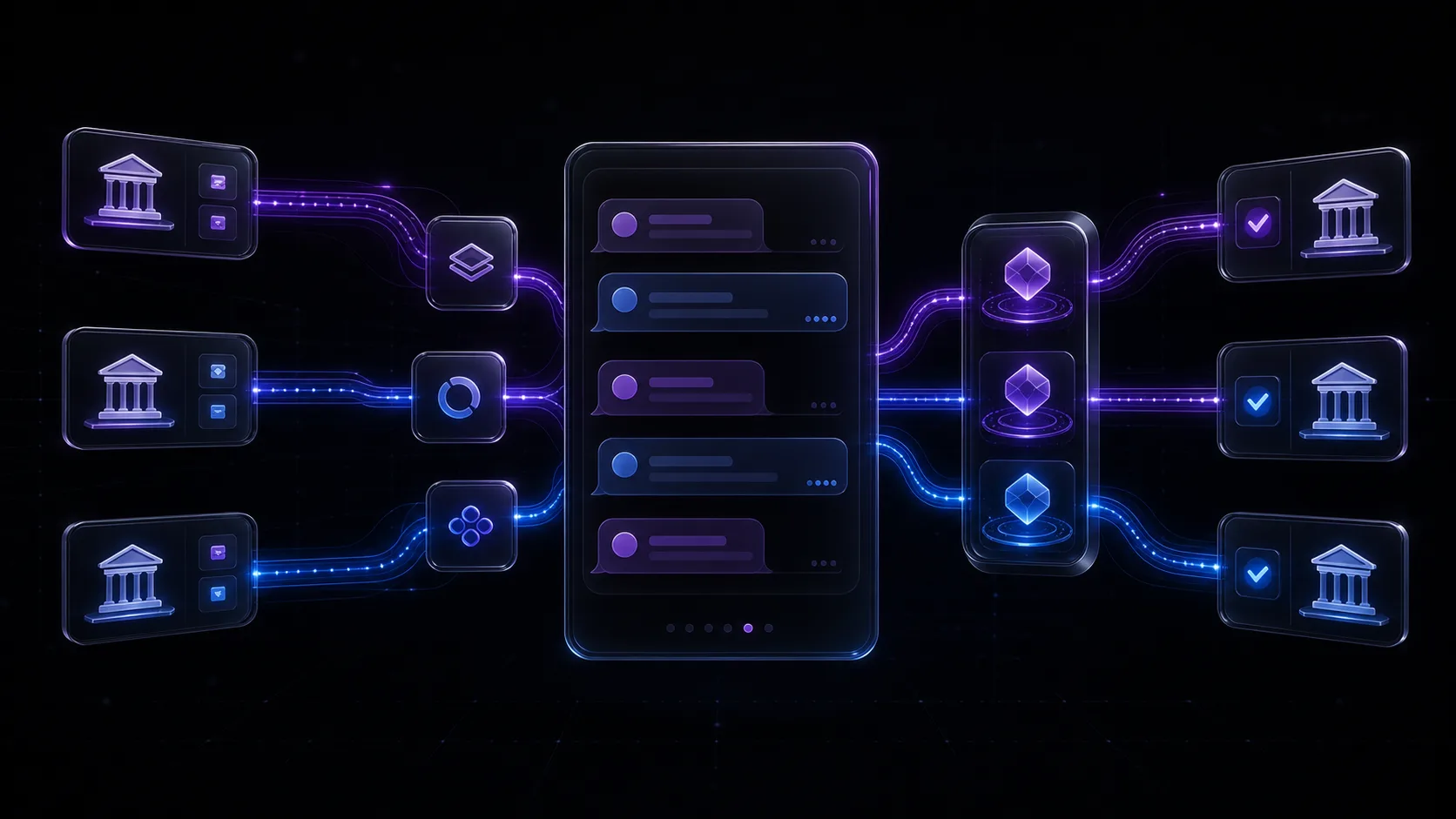
- A hybrid is useful for a mixed process: the bot delivers information and accepts a quick decision, while the dashboard provides full context and management tools.
- Business rules should reside on the server rather than being duplicated inside the bot and dashboard. This allows the interface to evolve without the data diverging.
Start with the Work Decision, Not the Interface
The question “bot or web dashboard” often comes up too early. The team discusses employee habits, development costs, and visual design even though it first needs to define the work action itself. What must a person understand before pressing a button? How many items do they compare? How quickly must they respond? What happens if they make a mistake? The answers immediately narrow the choice.
A Telegram bot organizes work as a conversation: it shows a status, asks a question, receives a command, and moves to the next step. This is convenient when the context is limited and the action can be expressed in one sentence. A web dashboard organizes a workspace: tables, filters, cards, and forms are available at the same time. It is needed when a decision emerges from comparing several factors.
- Who performs the operation and under what conditions: at a desk, in the field, or between meetings.
- What context is essential for the decision and whether it fits in a single message.
- How often the action is repeated and how many transitions an employee will tolerate.
- Whether an error can be safely reversed or requires an additional confirmation.
- Whether a manager needs an overall view, comparison tools, and queue control.
When a Telegram Bot Is Genuinely Convenient
A bot is particularly useful in processes where response speed matters more than information density. Employees do not need to open a separate address or learn a new navigation system: a notification arrives in a familiar channel, with the available actions placed next to it. This format works well for on-call staff, field specialists, managers, and executives who join a process only occasionally. When implementing it, account for a Telegram limitation: a bot cannot initiate a conversation, so an employee must open it and send a message before they can receive personalized notifications.
- Notify someone about a new lead, failure, status change, or threshold breach.
- Approve, reject, assign an owner, or request clarification.
- Complete a short step-by-step workflow with a small number of fields.
- Receive a document, link, QR code, daily digest, or the result of a background task.
- Request the status of a specific order, customer, or operation using a clear identifier.
The bot’s strength is also its limitation: it shows only a fragment of the process. Message history quickly becomes mixed with new events, while a wide table turns into awkward text. A bot should therefore not be used as a miniature copy of a corporate system. It is better to keep a few frequent commands and clear states in the bot, while moving infrequent settings to an administrative interface.
A good internal bot does not try to display the entire system. It delivers the right decision to the right employee at the right time.
Agentix Labs design principle
When a Process Cannot Work Well Without a Web Dashboard
A web dashboard wins when an employee’s attention is divided across several items. A dispatcher sees a queue, a manager compares metrics, an administrator configures roles, and a sales representative processes cards one after another. A single screen can preserve context: the filter, sorting, selected period, related records, and change history.
A dashboard is also preferable for complex data entry. If a form contains dependent fields, a preview, files, reference data, and error validation, a chain of messages becomes long and opaque. In a web interface, the user sees the entire structure, can return to the relevant section, and correct the data before submitting it.
- Large registries, queues, and tables with filters.
- Bulk assignment, export, comparison, or record updates.
- Configuration of users, roles, approval routes, and reference data.
- Analytics, charts, and historical analysis for a selected period.
- Working with several cards and related entities at the same time.
- An interface where keyboard navigation and accessibility are critical.
Decision Matrix: Bot, Dashboard, or Hybrid
| Criterion | Telegram Bot | Web Dashboard | Hybrid |
|---|---|---|---|
| Type of action | Short and sequential | Complex or performed in bulk | Quick response plus detailed work |
| Amount of context | One item or event | Many items and relationships | Summary in the bot, details in the dashboard |
| Work environment | Smartphone and mobility | Computer and a long session | Mixed mode |
| Notifications | Primary workflow | Additional channel | The bot notifies, the dashboard provides detail |
| Settings | A few safe parameters | Roles, rules, and reference data | Operations in the bot, administration in the dashboard |
| Cost of an error | Low, or a confirmation is available | Full context and an audit trail are required | Confirmation in the bot, oversight in the dashboard |
A hybrid is not a compromise intended to satisfy every request; it is a division of responsibilities between interfaces. The bot becomes a channel for events and quick decisions, while the dashboard becomes a workspace for investigation, configuration, and oversight. For example, an employee receives a notification about a new lead, sees a brief summary, and can accept it. If the situation requires reviewing the history, the employee follows a signed link directly to the relevant card.
Do not build both interfaces in full from day one. Choose the primary path based on the most frequent operation, then add the second channel in response to a confirmed need. Otherwise, the team will spend time on two navigation systems, two sets of states, and duplicate testing before it understands the real process.
One Set of Business Logic for Two Interfaces
Regardless of the chosen interface, the process rules should reside on the server. The bot and dashboard submit commands through the same application API, while the server verifies the user, their role, the item’s current state, and whether the transition is allowed. This prevents divergence where an operation is prohibited in the dashboard but an old Telegram button can still be pressed.
-
01
A Unified State Model
A lead, task, or document has a single source of truth in the database, while the interfaces only display its current state.
-
02
Server-Side Authorization
A Telegram ID or web session is linked to an employee account, but the backend always decides whether an action is permitted.
-
03
Idempotent Commands
A repeated click, delivery of an old callback, or network retry must not create a second lead or repeat an external action.
-
04
An Operation Log
The system records the actor, time, original state, command, and result so that a disputed situation can be reconstructed.
-
05
Queues for Long-Running Tasks
Imports, report generation, and calls to external services run in the background, while the interface displays a clear status.
Security and Failures to Plan for in Advance
An internal bot does not automatically have the right to perform critical operations simply because it is in a work chat. You need to define the list of authorized users, the access revocation procedure, and the response to an account compromise. For sensitive commands, an additional confirmation, a time limit, and a separate result notification are useful.
A web dashboard requires the same attention to sessions, roles, and data protection. You also need to design states for loading, empty results, partial failures, and lost connections. The user should not have to guess whether an operation was completed: after reopening the interface, they should see the actual server state rather than a local illusion of success.
- A button is pressed twice, or an old message is opened several hours later.
- An employee is moved to another role, but their previous access remains active.
- An external API responds with a delay, and the user repeats the command.
- A background task is partially completed and requires manual continuation.
- The bot is unavailable, but a critical process must continue through the dashboard.
- A secret, personal data, or internal comment appears in a notification.
How Interface Separation Works in Real Systems
In the QRush case, Telegram is used as an operator interface for a server-side system. Through the bot, an employee can see the current state and manage the profile, limits, and available actions. At the same time, the event flow, evaluation rules, account isolation, blocking, and logging operate in separate server layers. The bot simplifies daily management but does not store critical logic inside the conversation.
In TransferBot, the interfaces are separated even more precisely. The customer bot guides users through a short step-by-step workflow and provides a ready-made QR code containing a link. The administrative bot lets authorized operators manage profiles. An orchestrator stores the lifecycle of requests, while a separate worker performs a multi-step browser task. The technical complexity remains hidden from the user, but the server preserves waiting, cancellation, failure, and completion states.
How to Launch an Interface Without Unnecessary Development
-
01
Describe Five Frequent Operations
Document the initiator, input data, decision, result, and possible error. Leave infrequent requests outside the first version for now.
-
02
Assess Context and Risk
For each operation, determine the number of items and fields, time available for the decision, cost of an error, and need for an overall view.
-
03
Choose the Primary Interface
Use a bot for an event-driven sequential flow and a dashboard for dense work with data. Choose a hybrid only when the responsibilities are clearly separated.
-
04
Design the States
Before designing screens and buttons, list the permitted transitions: created, assigned, in progress, waiting, canceled, completed, and failed.
-
05
Build the Server-Side Foundation
Implement authorization, roles, commands, logging, and duplicate protection, then connect the chosen client.
-
06
Run a Pilot with One Group
Observe where employees abandon the workflow, what they copy manually, and what information they lack when making a decision.
The result of the pilot should not be a list of subjective requests, but a map of obstacles: unnecessary steps, missing context, risky confirmations, repeated data entry, and manual workarounds. This map shows whether to improve the current interface or add a second one.
To assess the impact, record the process baseline before launch: waiting time, the number of manual data transfers, the share of incomplete operations, and the typical reasons for escalating to a manager. These indicators are needed for comparison, but do not promise percentages in advance: the actual result depends on the process, data discipline, and adoption within the team.
Final Decision Checklist
- Choose a Telegram bot if the action is short, event-driven, and frequently performed from a smartphone.
- Choose a web dashboard if an employee compares data, uses tables or complex forms, or performs bulk operations.
- Choose a hybrid if quick notifications and approvals are naturally separated from detailed work and administration.
- Do not duplicate rules in the clients: both interfaces should use the same API and state model.
- For critical actions, provide roles, repeated validation, duplicate protection, an audit trail, and recovery after a failure.
- Start with the most frequent path, run a pilot, and expand the interface only in response to observed obstacles.
The right interface is not the one that looks more technologically advanced. It shortens the distance between an event and an employee’s safe decision. Sometimes that means one button in Telegram; sometimes it means a complete workspace; and in a mature process, the two channels complement each other. Agentix Labs designs such solutions from the process model and server-side rules rather than from a preselected shell.
Frequently asked questions
Can we start with a Telegram bot and add a web dashboard later?
Yes, if the business logic, authorization, and states reside on the server from the outset. The dashboard can then connect to the same API. If the rules are embedded in the bot handlers, they will need to be extracted into a separate layer before the system can be expanded.
Is a Telegram bot suitable for a manager?
It is suitable for notifications, brief summaries, and specific approvals. For regular analysis, comparing periods, filtering, and managing a large queue, a web dashboard is usually more convenient for a manager.
Which is cheaper to develop: a bot or a dashboard?
A short bot usually requires less interface work, but the final scope depends on server-side logic, integrations, roles, and reliability requirements. A complex conversation with many states may be no simpler than a compact dashboard.
Can a bot be used for financial or other critical operations?
Only with server-side validation of permissions, current state, and limits, along with duplicate protection, explicit confirmation, and an audit trail. Access to the chat alone must not grant permission to perform an action.
When is a hybrid of a bot and web dashboard needed?
When a process combines urgent events with detailed work. The bot sends a notification and allows a safe, short action, while the dashboard provides full context, bulk operations, settings, and history.
Sources
- Telegram Bot APIChecked 30 July 2026
- Telegram: Bots — An Introduction for DevelopersChecked 30 July 2026
- OWASP Application Security Verification StandardChecked 30 July 2026
- W3C Web Accessibility Initiative: Introduction to Web AccessibilityChecked 30 July 2026