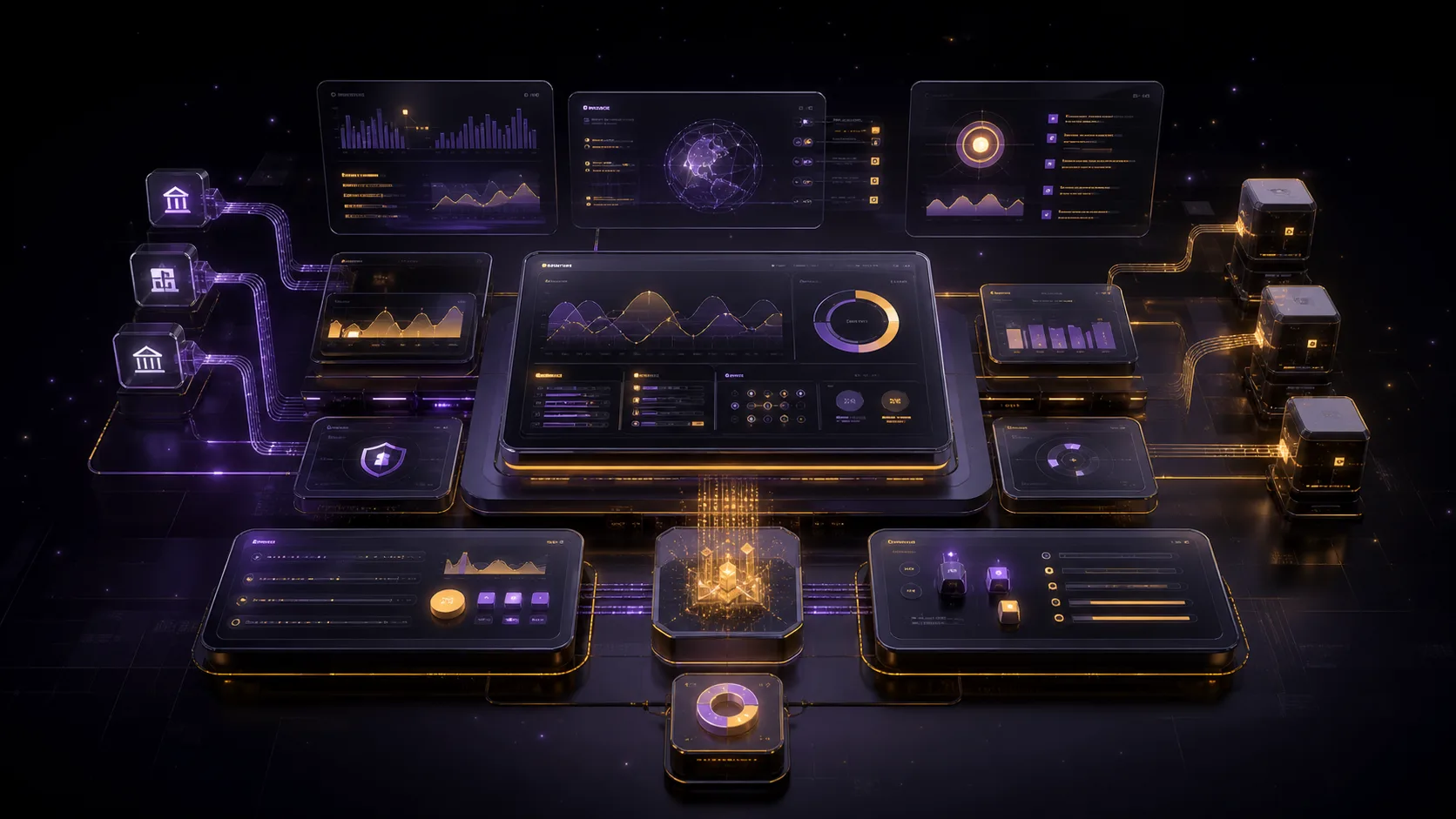

In brief
- A CRM is designed primarily for employees: it stores history, stages, tasks, and ownership.
- A customer portal is designed for customers or partners: it lets them view data and perform permitted actions on their own.
- If a single process crosses both sides, the systems should be connected through an explicit status model and a defined source of truth.
- The first version should focus on one complete scenario rather than copying every function of the internal system.
The Main Difference Is Who Uses the System
A CRM and a customer portal may display similar information: contacts, orders, documents, and statuses. Their purposes, however, are different. A CRM organizes employees' work with customers by recording history, stages, tasks, and ownership. A customer portal gives customers or partners controlled access to data and operations.
Problems arise when a solution is chosen by name. A company orders a “CRM” when it actually needs a customer portal for uploading documents. Or it builds a portal that is effectively an internal dispatch system. Start by identifying the owner of each action: who creates the data, who reviews it, who changes the status, and who needs to see the result.
What a CRM Is Designed to Do
A CRM brings inquiries and interaction history into the company's operational environment. A manager can see the source, contact, agreements, and next step; a leader can see the state of the process and areas without an owner. The system may be an off-the-shelf product or built for a specific operating model, but its value depends on data discipline and alignment with the actual process.
- Capture inquiries from the website, email, telephony, and messaging platforms.
- Maintain customer, company, contact, and related deal records.
- Manage process stages, tasks, reminders, and responsible owners.
- Store the history of messages, calls, documents, and decisions.
- Segment customers and define rules for future touchpoints.
- Report on sources, stages, and work outcomes.
- Manage employee roles and restrict access to data.
A CRM does not need to be visible to customers. Its fields and statuses often reflect internal work and may contain comments and internal assessments. Exposing this interface to an external user is inconvenient and unsafe. Customers should receive access only to permitted data and actions through a separate layer.
What a Customer Portal Is Designed to Do
A customer portal creates a self-service digital channel. A user signs in, sees only their own records, performs permitted operations, and receives clear feedback. This interface can reduce repetitive questions, but only when the data is current and the process behind the screen is genuinely ready for self-service.
- View an order, project, request, subscription, or balance.
- Upload and receive documents.
- Change a profile, billing details, and notification settings.
- Make payments, renew services, and manage access.
- Submit a request for a service or support.
- Receive a personalized result, report, or configuration.
- Manage organization members within permitted roles.
BankProxy demonstrates the product nature of a portal: users manage their own synthetic data and scenario settings while the system preserves isolation and state. This is not merely a public page behind a login. Its value comes from the connection between the interface, server-side model, access controls, and technical infrastructure.
CRM and Customer Portal Compared
| Criterion | CRM | Customer portal |
|---|---|---|
| Primary user | Employee or manager | Customer, partner, or external contractor |
| Primary objective | Organize an internal process | Give external users self-service capabilities |
| Interface | Dense operational workspace | Simplified and contextual, without internal details |
| Data | Relationship history, tasks, and internal fields | The portion of data the user is permitted to access |
| Statuses | Detailed internal stages | States that customers can understand |
| Access | Roles within the company | Isolation between customers and organizations |
| Outcome | A controlled team workflow | An action completed independently by the customer |
One technical system may contain both interfaces, but the logical boundaries still remain. External users should not depend on internal terminology, while employees should not lose the operational details they need merely to simplify the customer-facing screen.
When You Need Both Systems
When a process starts with a customer, continues inside the company, and returns a result to the customer, the portal and CRM work together. For example, the customer submits a request and uploads documents; the CRM assigns an owner and stores the internal stages; after review, the portal displays a clear status and the completed document.
Nexora AI combines external purchasing and access delivery with operational management of orders, keys, and support. The user and administrative environments need different interfaces even though they operate within the same order lifecycle. This approach is more useful than trying to expose the internal panel to a customer.
-
01
The Customer Creates an Event
They submit a request, place an order, upload a file, or send an inquiry.
-
02
The System Validates the Input
It validates the data, prevents duplicate processing, and records who performed the action.
-
03
The CRM Creates the Work
It assigns an owner, an internal stage, and the necessary tasks.
-
04
The Team Processes the Request
It performs actions that should not be available to an external user.
-
05
The Portal Presents the Result
It translates the internal state into a customer-friendly status, notification, or document.
How to Connect the Systems Without Data Conflicts
Before integration, define a source of truth for each object. A contact may be editable in the portal, a deal only in the CRM, a payment confirmed by the payment system, and a final document stored in a separate file environment. If two systems change the same field independently, a conflict will eventually occur.
| Question | What to Define |
|---|---|
| Identity | How an external account is linked to a contact and organization |
| Source of truth | Which system has final ownership of each field |
| Direction of exchange | One-way transfer or bidirectional synchronization |
| Timing of updates | Event, queue, schedule, or manual confirmation |
| Duplicate event | How an identical event is prevented from creating a duplicate |
| Error | Where a failure is recorded, who is notified, and how it is retried |
| Audit | Who changed a critical value and when |
Internal statuses should not always be shown to customers verbatim. An internal stage such as “awaiting security review” might appear as “documents under review.” Create an explicit mapping and define which changes trigger a notification. This protects the internal process while keeping the customer experience clear.
Access and Security Are Part of the Product
As soon as an account is introduced, the project acquires additional responsibilities: secure authentication, account recovery, session management, authorization for every operation, audit logging, and personal data protection. Hiding a button in the interface is not a sufficient restriction. The server must independently verify the user's permission to access a specific object and perform a specific action.
- Every request verifies the user, organization, and permitted action.
- An identifier in the URL does not grant access to another user's object.
- Administrative functions are separated from customer functions.
- Changing contact details, passwords, or payment information requires stronger verification.
- Errors do not reveal internal information or the existence of other accounts.
- Critical changes are recorded in an audit log.
- Data retention and deletion periods are defined before launch.
How to Choose the First Version
Start with one process that currently creates repetitive work or inconvenience for customers. Describe the current journey, data, and exceptions. Then determine which steps the customer should perform, which should remain with the team, and where state needs to be transferred.
-
01
If Inquiries Are Being Lost
Set up the CRM environment first: centralized intake, ownership, history, and control.
-
02
If Customers Repeatedly Request Data
Consider a portal that provides secure access to statuses, documents, or results.
-
03
If the Customer Initiates a Complex Process
Design the portal and its integration with the internal environment as a single end-to-end scenario.
-
04
If the Process Is Still Unstable
Normalize the rules and statuses first; otherwise, automation will cement the disorder.
-
05
If the Functions Are Standard
Compare off-the-shelf products and their integration costs with the cost of developing a custom system.
The first version does not need to include every future report, role, and setting. Its core journey must, however, be complete: the user performs an action, the system transfers it reliably, an employee processes it, and the customer receives a clear result. A collection of polished screens without an end-to-end process does not create self-service.
Questions to Answer Before Estimating the Project
- Who will use the system: employees, customers, partners, or several roles?
- What single action should become easier in the first version?
- Where are contacts, statuses, documents, and history currently stored?
- Which system owns each type of data?
- What internal information must never be shown to customers?
- How does a user register, recover access, and join an organization?
- What happens when an operation is repeated or an integration is unavailable?
- Who handles exceptions, and how are they notified?
- Which events need to be measured from entry to result?
- Who will maintain the data, permissions, and content after launch?
The answers form the basis of the technical specification and make it easier to compare options. Sometimes an off-the-shelf CRM with a small integration solves the problem. Sometimes a separate portal is needed on top of an existing system. For a specialized product, a unified platform with separate user and administrative interfaces may be more effective.
The choice cannot be reduced to the name of a software product. The right architecture follows the boundaries of responsibility: customers get a simple and secure way to complete their task, the team gets operational context and control, and data does not diverge across multiple independent spreadsheets.
Frequently asked questions
Can a CRM replace a customer portal?
Only if the CRM has a secure external portal that separates customer data and actions from internal ones. A standard CRM interface is not usually designed for external users.
Can you build a customer portal without a CRM?
Yes, if the internal process and data are held in another suitable system or a custom backend. But you need to define explicitly where employees process customer actions and which system owns the state.
Which should be developed first: the CRM or the portal?
It depends on the first gap in the process. If the company is losing inquiries and ownership, it needs an internal system first. If the internal process is already stable but customers must repeatedly request information manually, the portal may take priority.
Does a customer portal need a separate database?
Not always. The decision depends on the architecture, security, and sources of truth. The important points are to avoid independent copies without synchronization rules and to enforce server-side isolation of user data.
How can you keep the first version from becoming too large?
Choose one end-to-end scenario from a customer action to its result, include the necessary exceptions, and defer features that are not required to complete that journey.
Sources
- OWASP: Application Security Verification StandardChecked 30 July 2026
- OWASP: Authentication Cheat SheetChecked 30 July 2026
- OWASP: Authorization Cheat SheetChecked 30 July 2026
- W3C: How to Meet WCAG 2.2 Quick ReferenceChecked 30 July 2026