Challenge
Make voice input system-wide and predictable: capture a global shortcut reliably, record in the background, handle Russian and English, avoid inventing content and deliver Unicode text to the actual frontmost window.
 Agentix Labs
Digital Systems
Agentix Labs
Digital Systems
DESKTOP / VOICE AI / PRODUCTIVITY
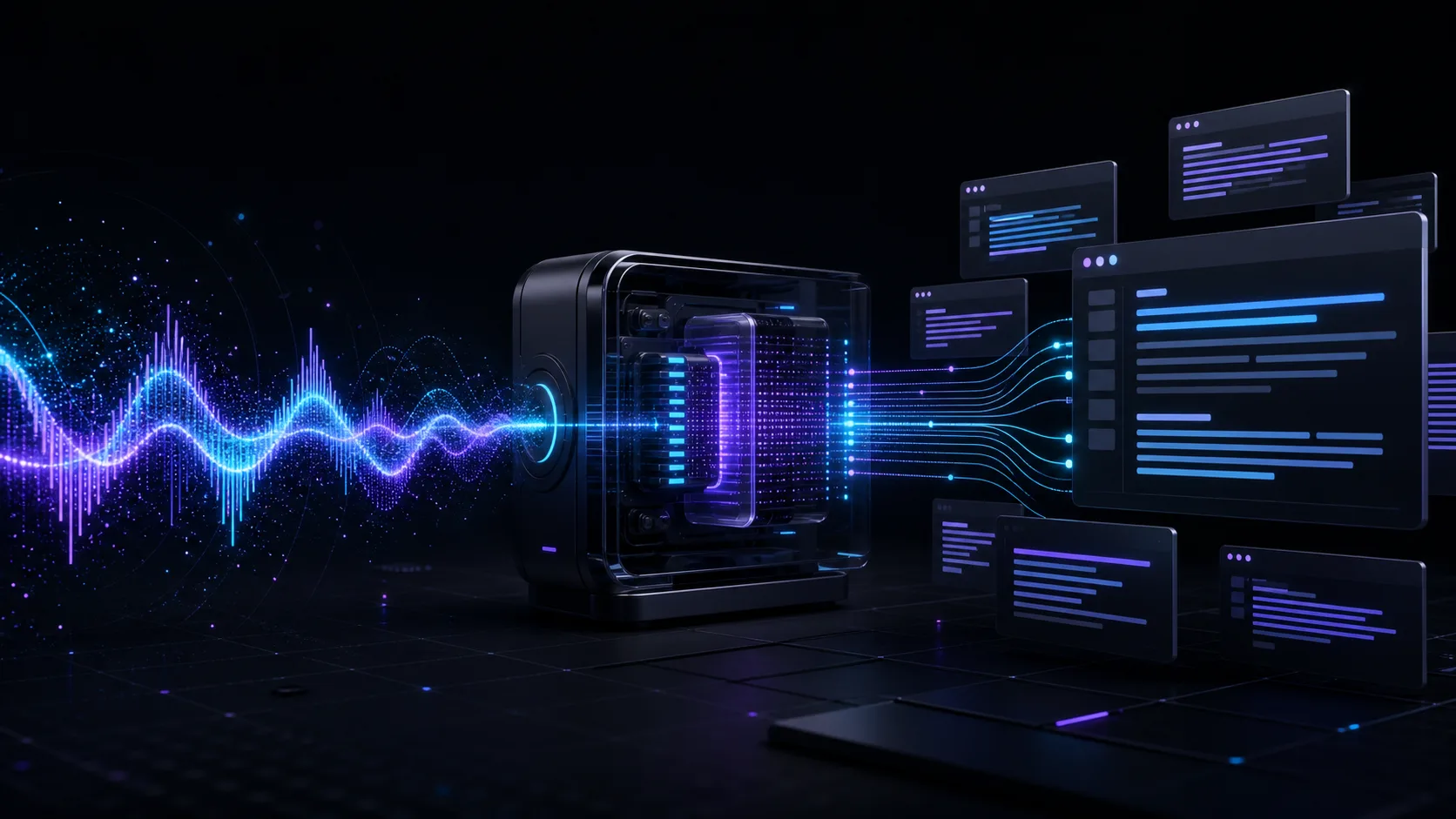
VoiceType is a background macOS utility that starts dictation from a global hotkey, transcribes Russian or English speech, optionally cleans the result and inserts it into the application currently in focus.
Why VoiceType was created
VoiceType removes the extra screen from dictation. Users do not need to open an editor, move audio files or copy the result: they speak exactly where they are already writing a message, document, task or prompt.
The product is designed for people who write extensively on a Mac: developers, managers, authors, consultants and support specialists. It is particularly useful for rapid drafts, long thoughts and work across multiple applications.
Make voice input system-wide and predictable: capture a global shortcut reliably, record in the background, handle Russian and English, avoid inventing content and deliver Unicode text to the actual frontmost window.
We built a menu bar application with a configurable Quartz hotkey, two recording modes, an animated system overlay, Whisper transcription and optional LLM formatting. The final text reaches the active process through the native clipboard and a paste event.
Capabilities
The capabilities support one operating scenario and share common state, control and analytics.
VoiceType captures regular shortcuts and system media keys, while learn mode assigns a new combination directly from the menu.
Users can hold a key while speaking or start and stop recording with separate presses without leaving their current application.
Language is switched from the menu bar and passed to Whisper as transcription context.
An optional LLM stage adds punctuation, fixes recognition errors and structures long passages without introducing new ideas.
The result is written to the system pasteboard and delivered to the frontmost process through a native Cmd+V event with Unicode support.
The utility lives in the menu bar, displays distinct recording and processing states, supports login startup and requires no persistent window.
Outcome
VoiceType turns dictation into a short system action: press, speak and continue working with finished text already in place. It combines macOS integration, speech recognition and controlled formatting in a complete desktop product.
New project
Describe the current situation and the outcome you need. We will understand the context and propose a practical first stage.